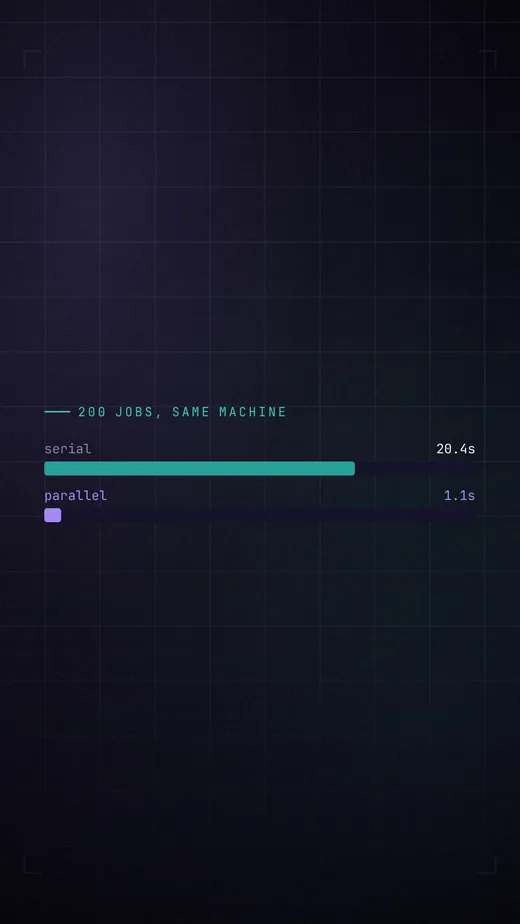
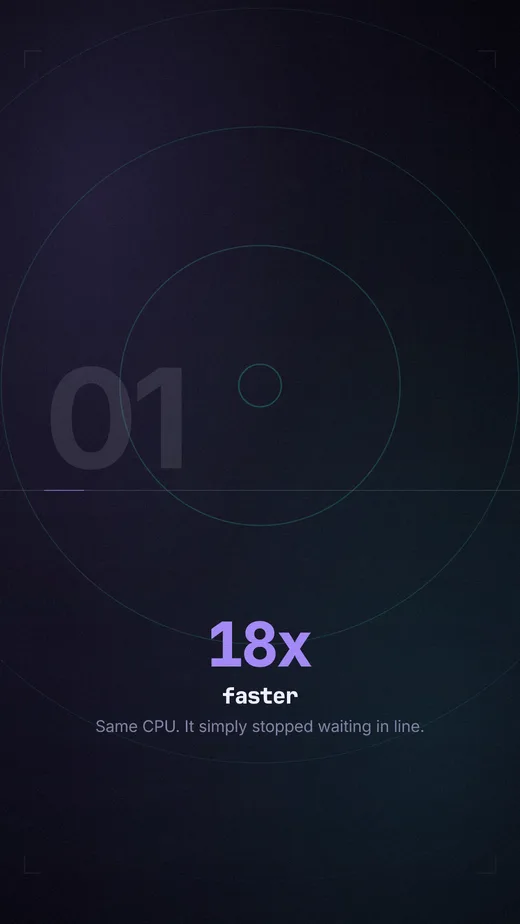
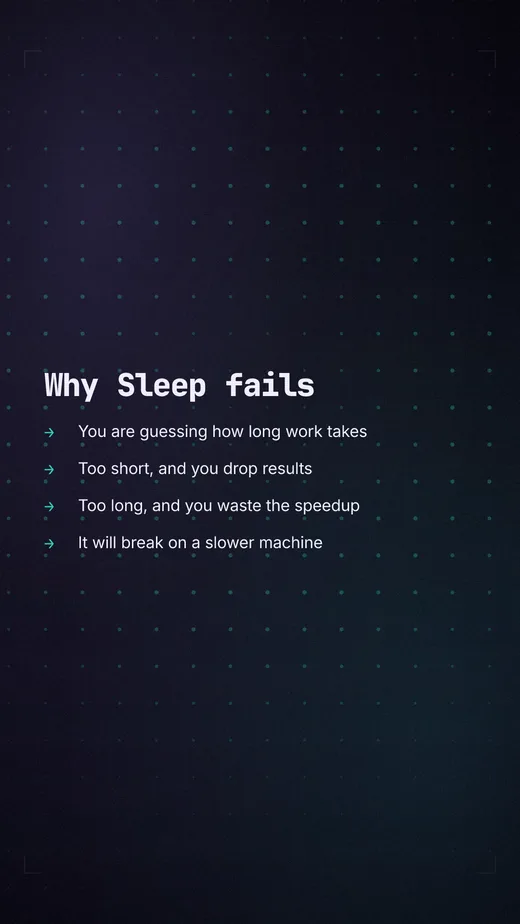
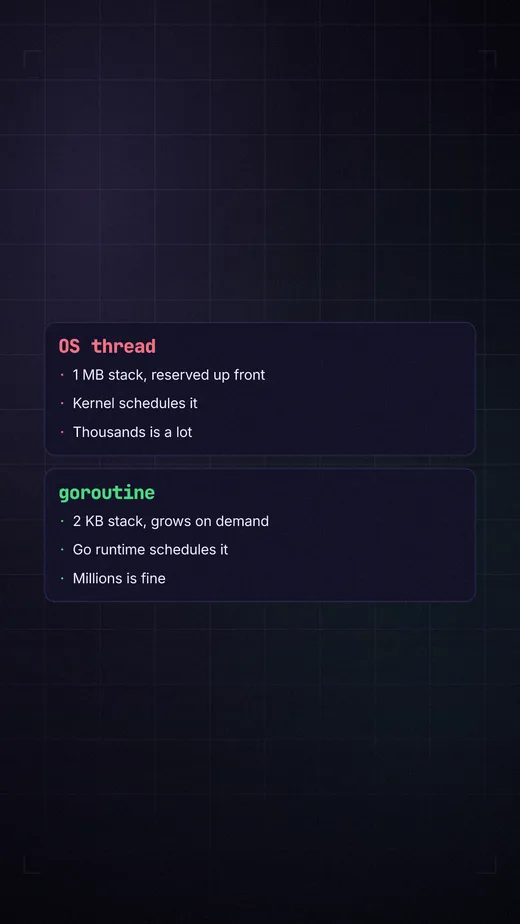
A video here is a text file — so a model can write one, render
a frame, look at what it made, and fix it. Connect an agent and describe what
you want.
Stingo is Sheng, the Swahili-English creole spoken
in Nairobi, for aesthetics. Which is the idea: the look of a film is a
thing you can name, keep in its own file, and swap.
you make me a five minute explainer on Go concurrency. vertical, dark, cuts on the beatclaude ⏺ stingo_docs script, blocks ⏺ stingo_validate ✓ 53 scenes, 1080x1920 ⏺ stingo_plan 4:56 · every cut on a downbeat ⏺ stingo_still at 23.0s → the frame, returned as an image
what came back
Three lines, and your agent can render video
Install it and point your agent at it. Eleven tools: read the
documentation, validate a script, resolve the timeline, render a frame,
render the film.
The tool that matters is stingo_still — it returns the PNG
itself, not a path. A model that can see the frame it just wrote catches what
a schema cannot: a line too long for the frame, a chart whose highlighted bar
is invisible, a scene that is over before it can be read.
Setting it up.
What comes out
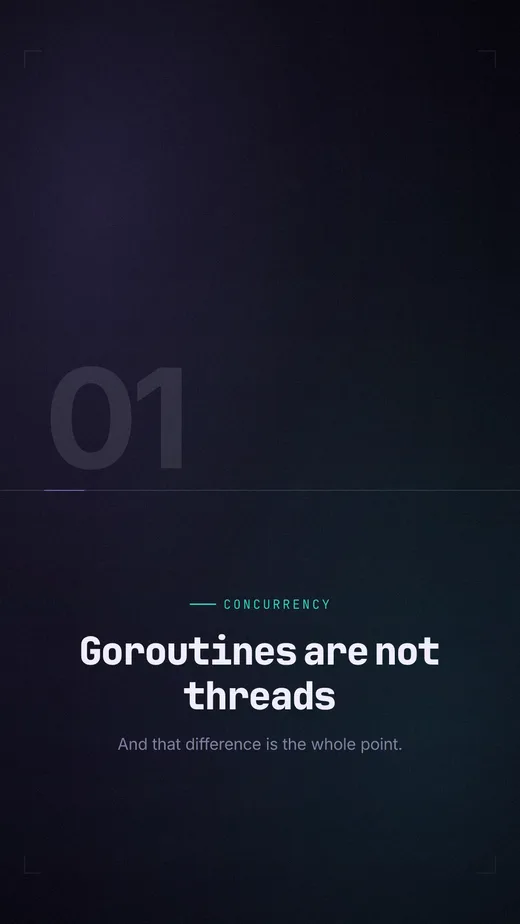
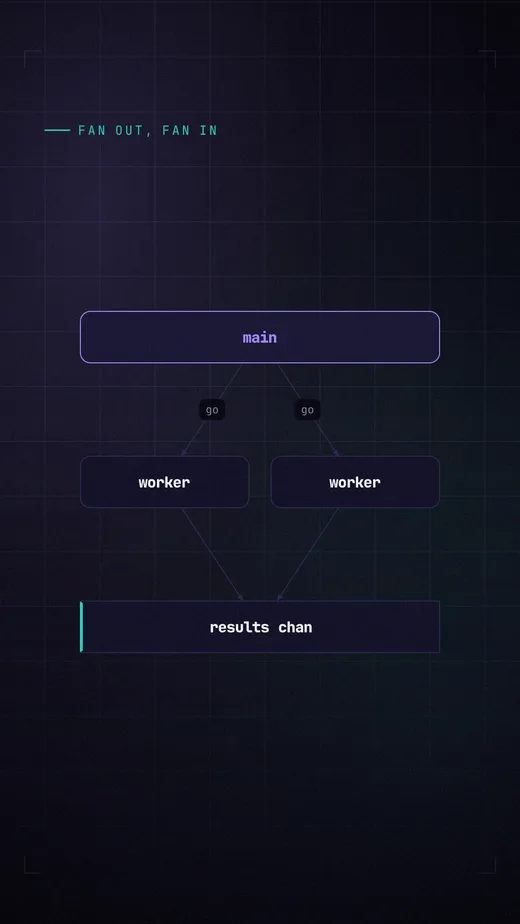
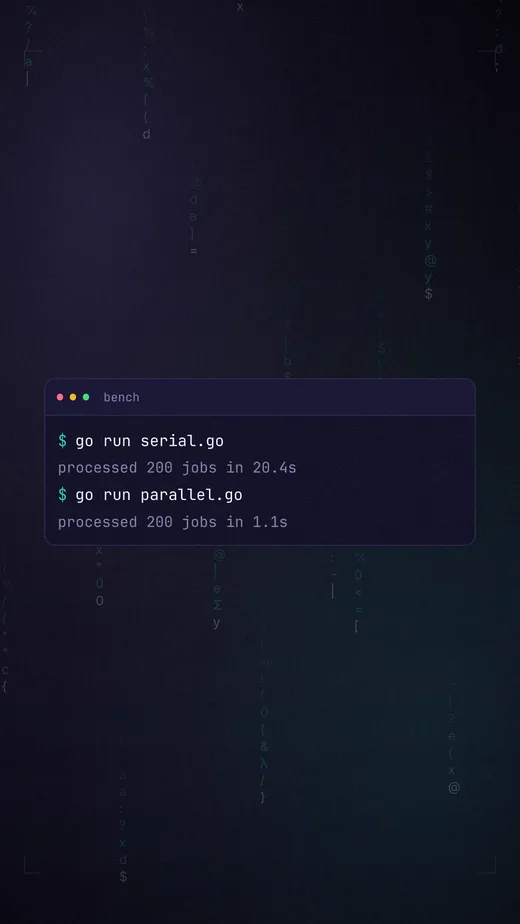
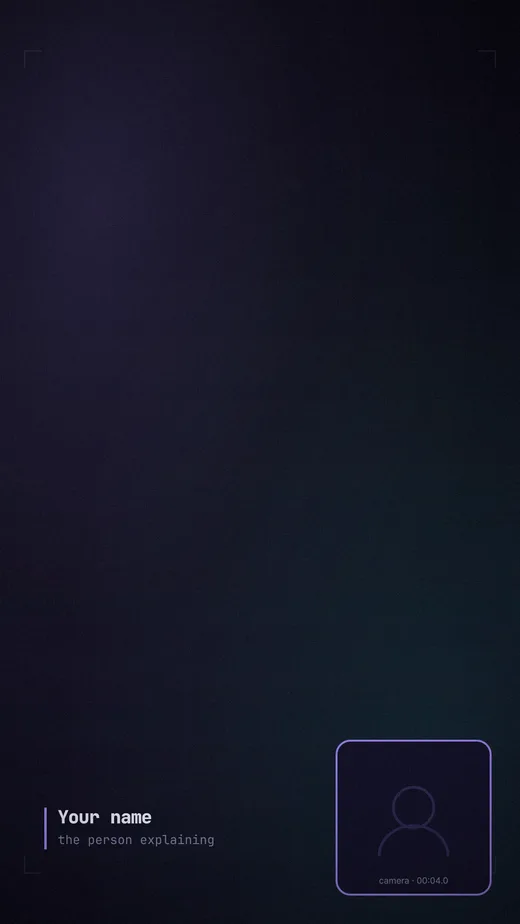
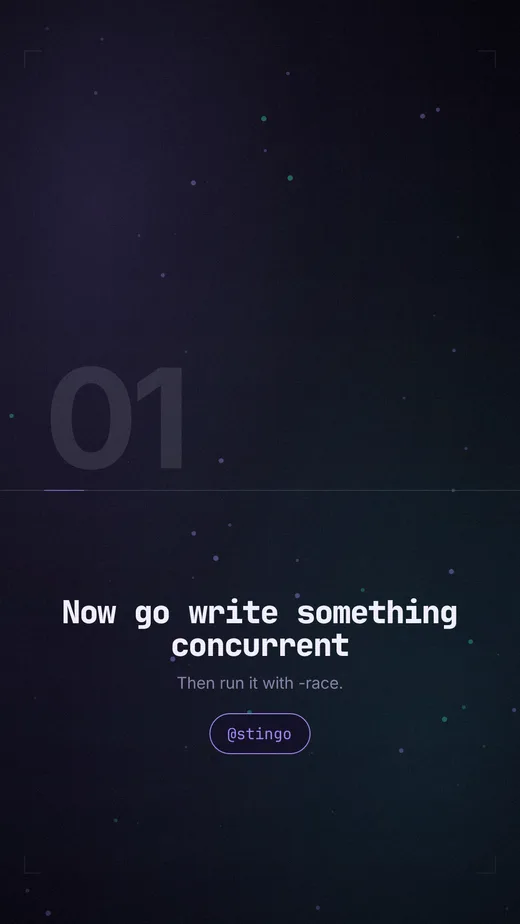
The opening of the example film —
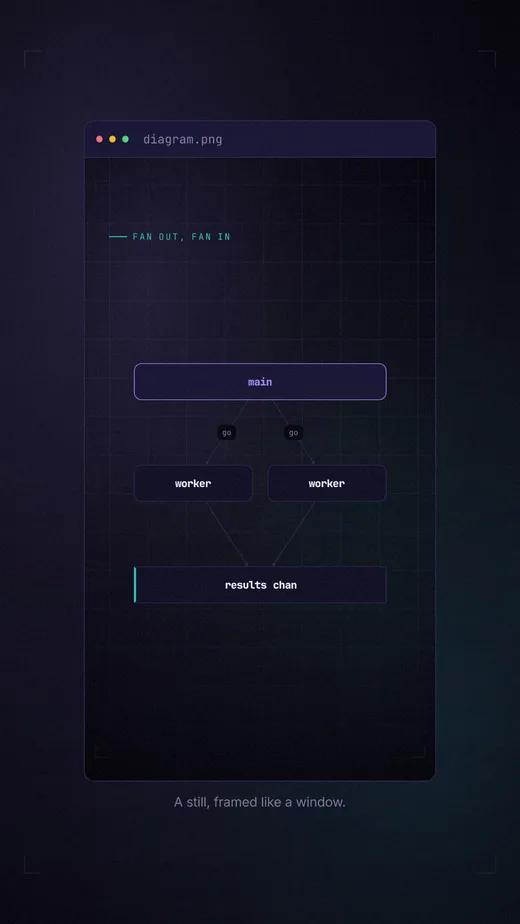
five minutes of vertical and horizontal video from one script and one taste
profile, with every cut on a downbeat. No footage, no timeline, no editor.
Rendered by bun run gallery, music and all — unmute it, every
cut lands on a downbeat. Browsers only autoplay muted, so it starts silent.
The full film, vertical or horizontal.
Why a model can write this at all
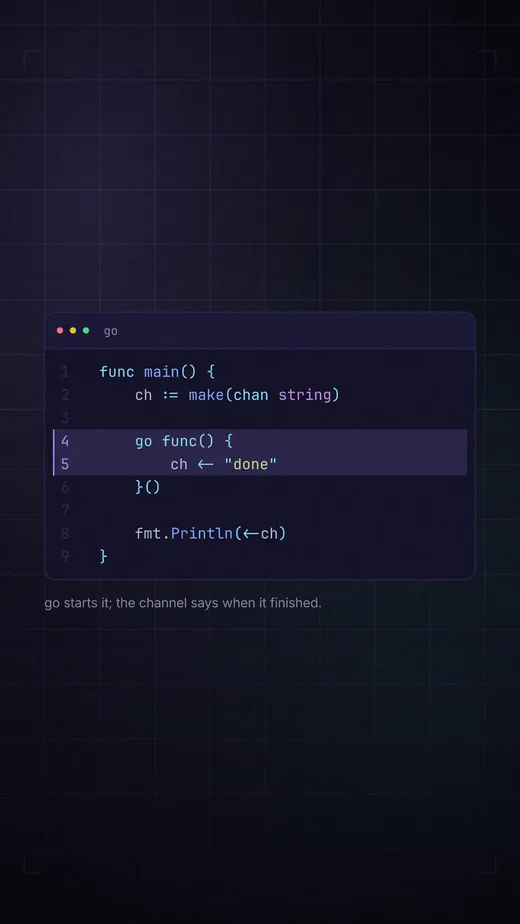
Because there is nothing to drag. A scene is a few lines of YAML, and the
frame beside it is what those exact lines produce. Nothing is positioned by
hand, so nothing has to be nudged — by you or by an agent.
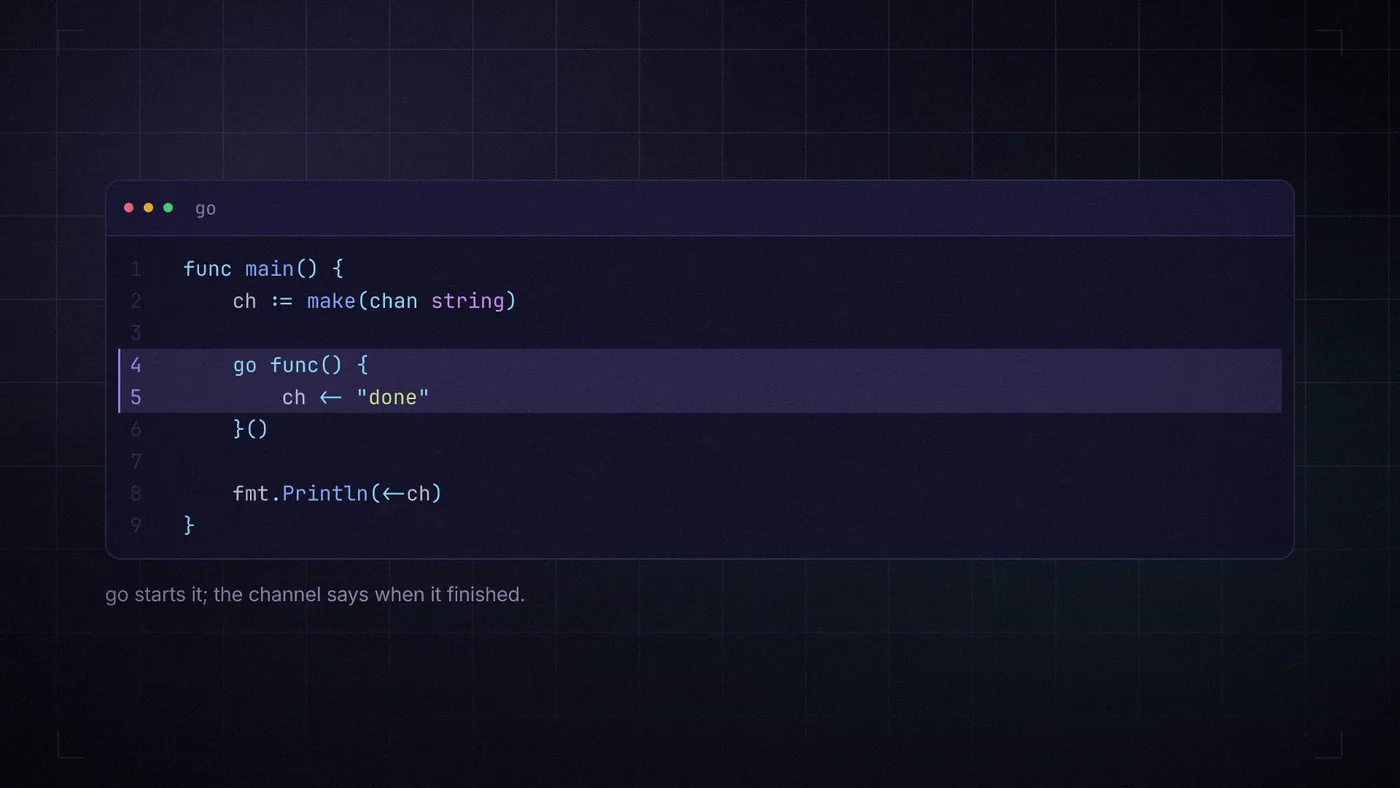
video.yaml
- block: code
  lang: go
  caption: go starts it; the channel says when it finished.
  highlight: [4, 5]
  code: |
    func main() {
        ch := make(chan string)

        go func() {
            ch <- "done"
        }()

        fmt.Println(<-ch)
    }
the frame those lines produce
Change the taste, not the script
The script never names a colour. The taste profile never names your topic.
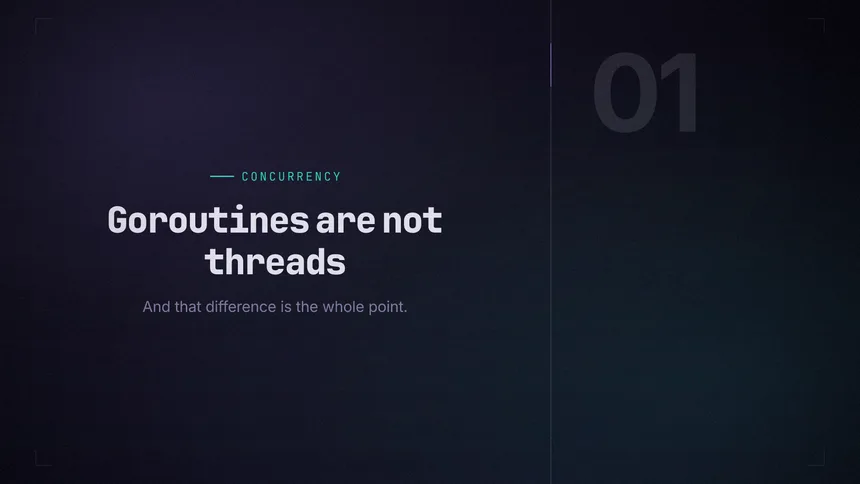
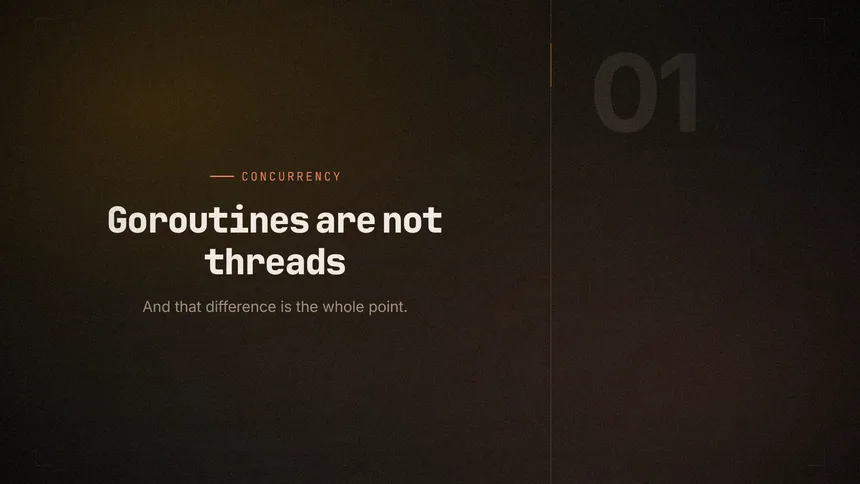
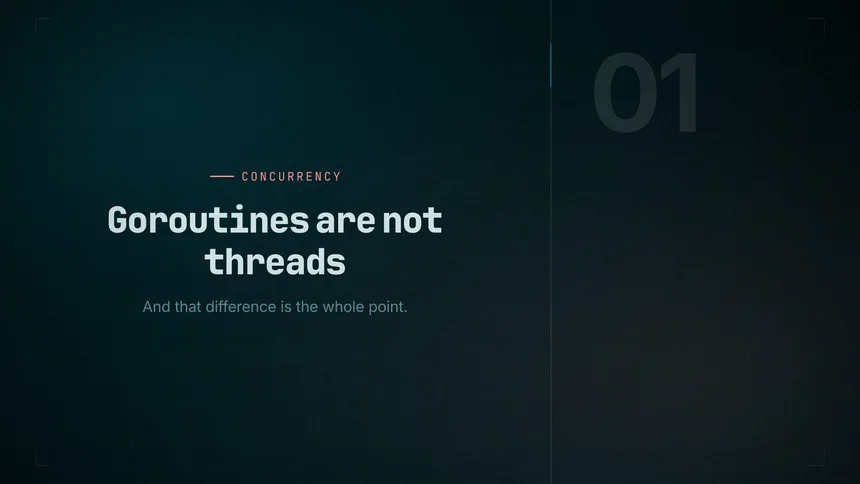
These three frames are the same nine lines of YAML, rendered against three
profiles — one of them derived from a single brand colour by
stingo taste "#ff7a18".
Boot Campsnappy · barDusksmooth · freeDerivedfrom one hex
Put yourself in the frame
An explainer usually needs the explainer in it. A recorded take drops into
any scene, full frame, as a corner inset, or beside the content — and its
audio is trimmed, placed and ducked under the music with no manual sync.
a scene with a take
- block: code
  lang: go
  code: |
    go download("a.txt")
  camera:
    src: takes/02.mp4
    from: 6
    layout: pip        # full | pip | split
    corner: br
    shape: circle
three layouts
full pip split┌───────────┐ ┌───────────┐ ┌─────┬─────┐│ │ │ code {} │ │ │code ││ ( you ) │ │ ┌──┤ │(you)│ {} ││ │ │ │yo│ │ │ │└───────────┘ └────────┴──┘ └─────┴─────┘ delivery over code side by side
Fourteen blocks, one type scale
Each block sizes itself from the stage, so the same script renders to
1080×1920, 1920×1080 or square without a second layout. Every frame below is
rendered by bun run tools/gallery.ts from the real pipeline, so
the gallery cannot drift from what the code does.
Nothing carries over between frames. film.framePixels(4821)
renders frame 4821 without rendering the 4820 before it — which is what
makes scrubbing instant, rendering parallel across processes, and output
byte-identical between runs.
Layout is CSS, drawing is SVG
satori does real flexbox and emits SVG with no browser involved; resvg
rasterises it. Procedural graphics that flexbox cannot express are
hand-written SVG spliced into the same document and rasterised in one
pass.
Cuts land on the music
Point it at a track and the beat grid is detected — spectral-flux
onsets, autocorrelation tempo with a log-normal prior so it does not pick
half or double time. Scene ends snap to bars, so every cut is a downbeat.
Written by Claude, start to finish
Every line of stingo — the renderer, the beat detection, the font parser,
the tests, this page — was written by Claude, Anthropic's coding model,
working from direction by Hersi.
Not one line was typed by a human. Hersi decided what it should do and what
good meant; Claude did the building.
Including what it got wrong.
The measurements are real
585 ms to 33 ms a frame, and 7× on the decode path, were
measured on the machine — and one “optimisation” was reverted when a clean
re-measurement showed it made renders slower.
The tests are real
CI typechecks and runs the suite on Linux and macOS with ffmpeg
installed, then plans every example and renders stills and a clip end to
end.
It is still young software
Being model-written makes it neither more nor less trustworthy than any
other new project. Read the code, and open an issue when it renders
something wrong.
Start
bun add @hersidev/stingo# then point an agent at it, or do it yourself:bunx stingo render film.yaml